published_at to analyst review, verification, and escalation in your own workflow. Industry breach-cost reports do not measure dark web monitoring latency, so your own numbers are the baseline.Dark web monitoring APIs return source records that may mention an organization, domain, or threat actor. A security team still needs a review workflow that connects each record to internal evidence.
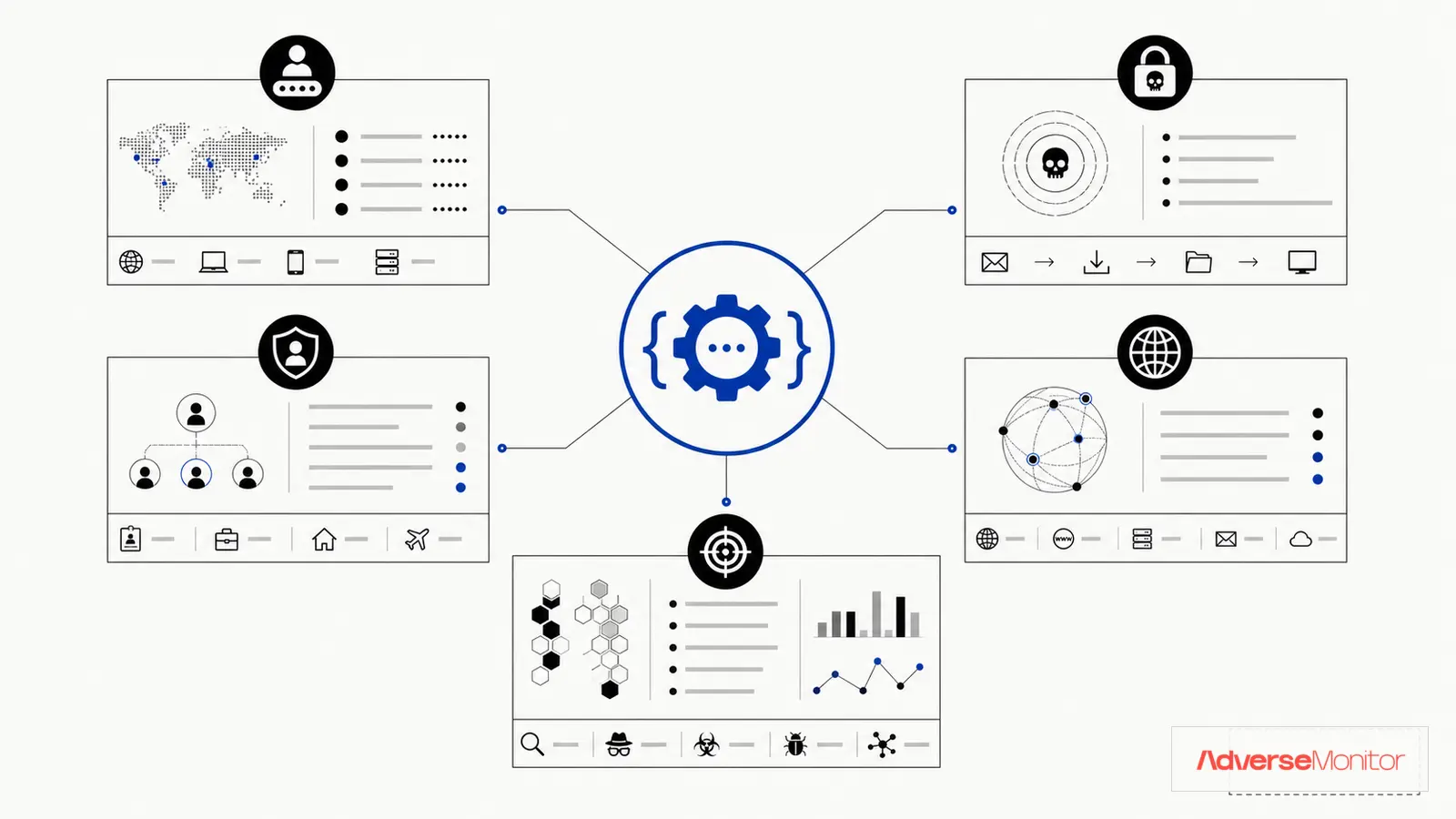
The five patterns below show where a dark web API can fit. Treat every match as an investigation lead until an analyst verifies it. The examples use the AdverseMonitor v1 API as documented on the API page: a bearer token in the Authorization header, the production base URL https://platform.adversemonitor.com/api/v1, and read-only endpoints for listing, searching, and retrieving threat records.
Two endpoints do most of the work. GET /threats lists records newest first, accepts category, country, and since filters, and pages with the opaque cursor returned in meta.cursor. GET /threats/search?q= runs a case-insensitive match across title, summary, content, actors, organizations, domains, countries, industries, source URL, and category. Every record from both endpoints carries id, title, summary, category, threat_actors, risk_level, and published_at. The list endpoint adds a victims object with countries, industries, organizations, and domains arrays plus an ai_analysis field; search results carry a flat countries array instead. Trial keys work against a shorter data window and receive placeholder values in the victim industry, organization, and domain arrays and in ai_analysis. Victim countries stay visible on trial keys.
1Credential Leak Detection
Credential-related records can help an identity team decide where to investigate first. The source record alone does not prove that a current account is compromised.
How It Works
AdverseMonitor returns threat records whose text or metadata names an organization or domain. It does not check whether a specific email address or password appears in a breach, forum dump, or stealer log. A search for your domain can surface a record that describes a credential sale or a stealer-log listing. The identity team then decides what to check internally.
Implementation Example
- Query:
GET /threats/search?q=company.comfor each domain you own, including partner domains that carry your users - Review trigger: A record
idyou have not stored before, with a title or summary that describes credentials, access, or logs - Analyst step: Confirm which identities the record could affect, then reset passwords and revoke sessions through the identity provider
- SIEM correlation: Check authentication logs for the affected accounts around the record's
published_attime
Operational Pattern
Validate a credential match against active identities, rotate affected credentials, revoke sessions, and review authentication logs before treating the record as confirmed misuse.
Note: Password reuse between personal and work accounts can turn an unrelated breach into a corporate login problem. Keep multi-factor authentication and reset procedures in place even when a record cannot be tied to a named account, because the API will not tell you which account was exposed.
2Ransomware Early Warning
Ransomware groups publish victim names on leak sites, sometimes before the named organization has finished its own investigation. Polling the API on a schedule gives the incident response team an early lead.
How It Works
The list endpoint accepts an exact category filter and an ISO since lower bound, so a scheduled job can request records added since its last run and follow meta.cursor until it returns null. Match the returned victims.organizations and victims.domains arrays against your organization, subsidiaries, and domains. A search for the company name catches records where the name appears only in the title, summary, or content, including partial listings posted before a full data release.
Implementation Example
- Query:
GET /threats?category=Ransomware&since={last_run}&limit=50, then followmeta.cursor - Match: Company name variations, domains, and subsidiary names against
victims.organizations,victims.domains,title, andsummary - Response: Open the incident response process, notify legal, and pull the full record through
GET /threats/{id}, which addscontentandsource_url - Also worth searching: Access-broker listings that name your organization, which can appear before any encryption event
Operational Pattern
Preserve the source record, verify the named organization, and route a credible ransomware listing into the established legal and incident-response process.
3Third-Party Risk Monitoring
A vendor record may affect systems or data your organization shares with that vendor. Add the vendor to monitoring only when someone owns the follow-up.
How It Works
Maintain a list of critical vendors with their legal names and primary domains. Run each through the search endpoint on a schedule, or compare the victims.organizations and victims.domains arrays from the list endpoint against that vendor list. When a vendor is named in a ransomware or breach record, the data you share with that vendor may be in scope. Trial keys receive placeholder values in victims.organizations and victims.domains, so vendor matching on those arrays needs a paid key. Search still matches vendor names in titles, summaries, and content on any key.
Implementation Example
- Monitor: Vendors ranked by data access or business criticality, each with a name and domain to search
- Review trigger: A vendor name or domain appears in a record's victim fields, title, or summary
- Response: Assess shared data exposure, contact the vendor security team, and request their incident summary
- Governance: Feed verified records into vendor risk scoring and contract reviews
Operational Pattern
When a vendor matches, verify the source, identify shared systems and data, and use the result to prioritize direct vendor assurance work.
4Brand Protection & Fraud Detection
Records that name your brand or products can point to fraud activity: phishing pages built around your login flow, impersonation, or listings that offer access to your customers. The API returns the record. The fraud team decides what it means.
How It Works
Search for your brand name, product names, and common misspellings. Because search covers content as well as titles, a record can match when the brand appears only in the body of a forum post. Sort matches by category and risk_level before an analyst reads them.
Implementation Example
- Query:
GET /threats/search?q=BrandNamefor each brand and product name;qneeds 3 to 200 characters andlimitis capped at 50 - Review trigger: A record that describes a phishing kit, fake login page, or fraud scheme aimed at your customers
- Response: Takedown request, customer warning, fraud team notification
- Intelligence: Track the
threat_actorsarray on matching records to see which actors mention your brand repeatedly
Operational Pattern
Preserve the matching brand evidence, validate the impersonation target, and route confirmed indicators to the appropriate fraud or abuse workflow.
5Threat Actor Tracking
Security teams with an intelligence function track the actors known to target their industry. The API supports this with an actor summary endpoint and an actor field on every record.
How It Works
GET /threat-actors returns one entry per actor with name, mention_count, last_seen, and categories, sorted by mention count within your data window. Searching an actor name or alias returns the records that mention it, which an analyst can read for targeting, tooling, or victim patterns. GET /countries/{code-or-name} accepts an ISO alpha-2 code such as SG or a full country name and adds top actors, top industries, and a 30-day trend for that country, useful when your exposure follows geography.
Implementation Example
- Monitor: Named actors and known aliases, with
GET /threat-actors?limit=50polled on a schedule to spot new activity - Review trigger: A tracked actor's
last_seenvalue moves, or a new record names the actor together with your industry or country - Response: Threat intelligence note, detection review, defensive control updates
- Integration: Store record
idvalues and source URLs so that indicators added to the SIEM trace back to evidence
Operational Pattern
Use actor matches as leads for analyst review, then correlate them with internal telemetry before changing controls or escalating a campaign assessment.
Implementation Best Practices
Start with High-Value Use Cases
Start with one use case and define what the analyst will verify. Credential monitoring is a practical first test when the identity team can check matches against active accounts and login records.
Automate Response Where Possible
Dark web alerts lose value if they sit in a queue. Connect the polling job to the systems that route work, and keep the decision with an analyst:
- Ticket creation in ServiceNow or Jira with the record
id,title, and source URL attached - Slack or Teams notifications to on-call staff for records above your
risk_levelthreshold - SOAR playbooks that open a case and gather internal context
- Password resets through the identity provider only after an analyst confirms the affected accounts
Tune for Signal, Not Noise
Raw dark web data is noisy. Use the request parameters and record fields to filter before an analyst sees the queue:
- Store every record
idyou have reviewed and skip it on the next poll - Use
sinceso each poll only returns records added after the last run - Narrow scheduled polls with
categoryandcountrywhere a use case allows it - Set the
risk_levelvalue that pages someone out of hours and route the rest to the normal queue
Measure and Report
Track metrics that show the value of the integration:
- Time from a record's
published_atto analyst review - Credentials reset before any sign of misuse in authentication logs
- Third-party risks identified before impact
- Fraud attempts blocked using dark web intelligence
- Share of matches an analyst rejected, which shows where to tune queries
Put Dark Web Intelligence to Work
Start with one domain, inspect the available production records, and add API access only when it solves a verified workflow requirement. AdverseMonitor does not check whether a specific email address or credential was exposed.
Check a DomainAutomated Implementation: From Use Case to Production
Moving from a use case on paper to a production job takes a few design decisions. The patterns below are the ones to settle before the first scheduled run:
1. Poll on a Schedule and Respect Rate Limits
The AdverseMonitor v1 API is read-only and pull-based. Schedule a job that calls GET /threats with since set to the previous run and follows meta.cursor until it returns null. Every response carries X-RateLimit-Limit, X-RateLimit-Remaining, and X-RateLimit-Reset headers. A 429 response includes a retry_after value in seconds in the JSON body; wait that long before retrying. Per-minute and per-day limits depend on the plan, and trial keys have the smallest allowance, so check the plan table before choosing a polling interval. Trial responses also carry an X-Trial-Expires header, and a GET /threats/{id} call for a record older than the plan's data window returns 403.
2. Normalize Before Routing
Providers use different response shapes. A Lambda, Cloud Function, or Cloudflare Worker can map each response to the fields your systems expect. Define that schema from fields the provider returns instead of inventing values during ingestion. For AdverseMonitor, the fields present on every record from the list and search endpoints are id, title, summary, category, threat_actors, risk_level, and published_at.
3. Enrich with Internal Context
Before acting on a credential-related record, check whether the identity is current, which systems it can access, and whether authentication logs show suspicious activity. Keep those findings beside the original source record, which GET /threats/{id} returns with its content, source_url, and the available analysis fields.
4. Gate on Severity, Remediate After Verification
Require analyst verification before an identity reset or incident declaration. A decision table can route urgent ransomware records to the on-call queue and place lower-priority records in the normal review queue.
Example query: Python + AdverseMonitor API
import requests

API_BASE = "https://platform.adversemonitor.com/api/v1"
HEADERS = {"Authorization": "Bearer am_live_YOUR_KEY"}

def find_domain_mentions(domain):
    response = requests.get(
        f"{API_BASE}/threats/search",
        params={"q": domain, "limit": 25},
        headers=HEADERS,
        timeout=10,
    )
    response.raise_for_status()

    return [
        {
            "id": record["id"],
            "title": record["title"],
            "category": record["category"],
            "risk_level": record["risk_level"],
            "published_at": record["published_at"],
        }
        for record in response.json()["data"]
    ]
Example poll: records added since the last run, with cursor pagination
import time

def poll_since(since_iso, category=None):
    params = {"limit": 50, "since": since_iso}
    if category:
        params["category"] = category
    cursor = None
    while True:
        if cursor:
            params["cursor"] = cursor
        response = requests.get(
            f"{API_BASE}/threats", params=params, headers=HEADERS, timeout=10
        )
        if response.status_code == 429:
            time.sleep(response.json().get("retry_after", 60))
            continue
        response.raise_for_status()
        body = response.json()
        yield from body["data"]
        cursor = body["meta"]["cursor"]
        if not cursor:
            break
Choose a Workflow You Can Verify
Credential review, ransomware records, vendor monitoring, brand evidence, and threat-actor tracking all need different owners and verification steps. Pick the workflow for which your team already has internal data and a response process.
Credential monitoring is a reasonable first test when the identity team can verify matches. Use the measured result to decide whether another use case deserves engineering time.
Measure whether the API finds relevant records, how often analysts reject a match, and how long a verified record takes to reach the right owner. Those results tell you whether to expand the integration.
API reference: See the AdverseMonitor API documentation for the production base URL, authentication, parameters, limits, and response examples. You can also compare evaluation criteria in the API evaluation guide.