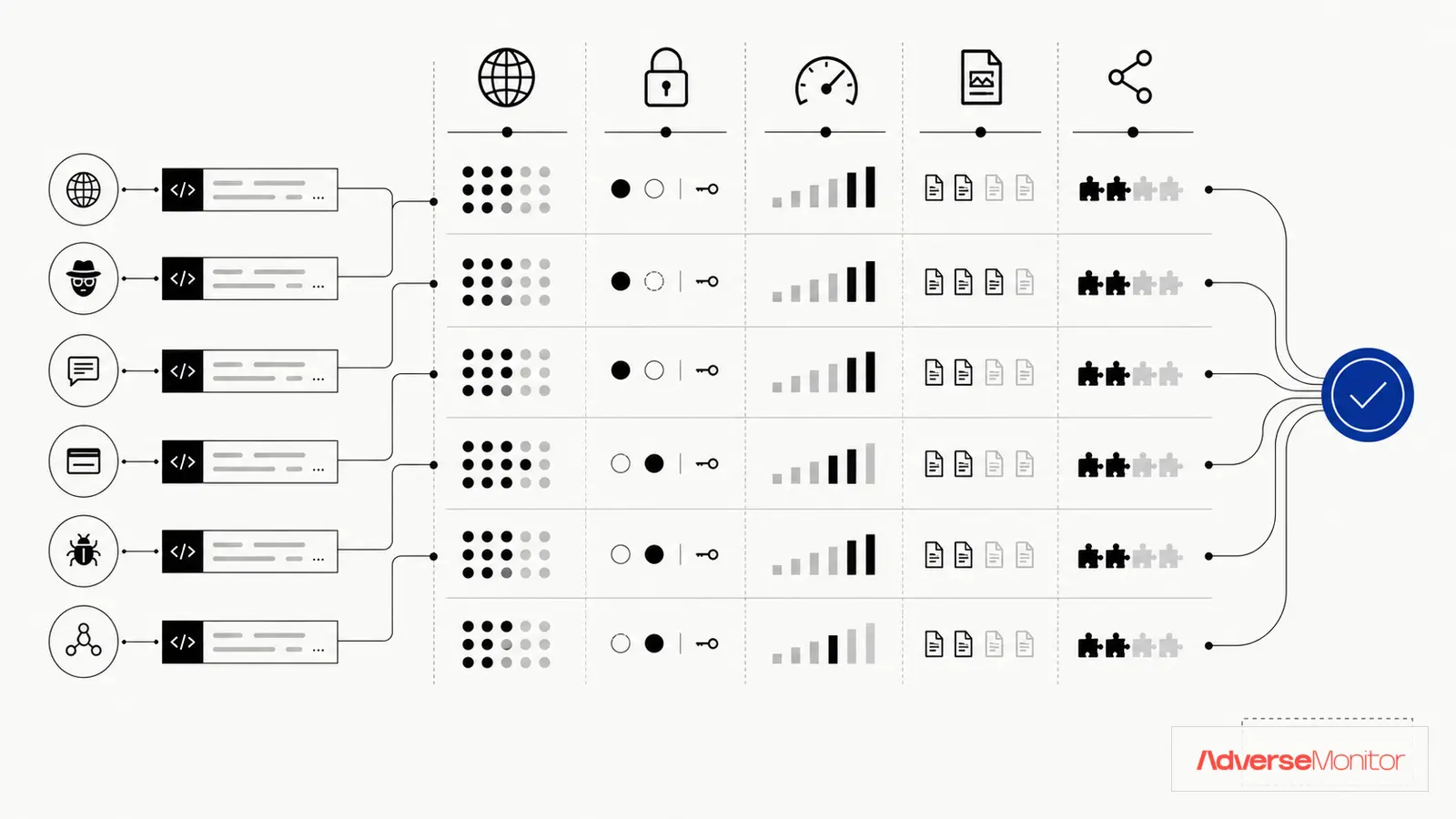
A dark web monitoring API has to fit the workflow that will consume it. Compare the records it returns, the evidence an analyst can review, and the work required to keep the integration running.
Use the criteria below to test providers with the same query and the same internal workflow.
Four Parts of the Service to Verify
Start with four parts of the service that you can verify during a trial:
1. Data Source Coverage
Providers collect different combinations of forums, marketplaces, paste sites, leak sites, and adjacent messaging channels. Ask for the named sources relevant to your use case:
- Tor forums and marketplaces – Named services and access method
- Messaging channels – Specific public or authorized sources, not a platform-wide claim
- Paste sites – Named sites and collection rules
- Ransomware leak sites – Named operators and collection gaps
- Initial access broker forums – Named forums and evidence retained
2. Alert Latency
Measure the time between a provider collecting a relevant record and your workflow receiving it. Decide what delay your use case can tolerate, then test that requirement during the trial.
3. Data Quality & Enrichment
Raw dark web data is noisy. Quality APIs provide:
- Threat classification (ransomware, credential leak, etc.)
- Severity scoring
- Entity extraction (domains, emails, IPs)
- Context about threat actors
- Deduplication of repeated mentions
4. Integration Flexibility
The API should work with your existing tools:
- REST API with current endpoint and field documentation
- Webhook support for event-driven delivery with measured latency
- Pre-built SIEM integrations
- SOAR playbook compatibility
Key Features to Compare
When evaluating dark web monitoring APIs, focus on these specific capabilities:
| Feature | Why It Matters | What to Look For |
|---|---|---|
| Source Relevance | Named coverage is easier to verify than a total count | Sources that match your threat model, with collection gaps disclosed |
| Alert Speed | Determines when your workflow can begin review | Measured latency under your trial conditions |
| API Response Time | Affects integration performance | Test results under representative query volume |
| Data Format | Easier integration | JSON with consistent schema |
| Historical Data | Threat hunting capability | A retention window that matches your investigations |
| Rate Limits | Affects automation capacity | Documented burst and sustained limits for your workload |
| Webhook Support | Event-driven delivery | Configurable with retry logic |
Pricing Models Explained
Providers price dark web APIs in different ways. Confirm which model applies before you build a budget:
Per-Asset Pricing
You pay based on monitored assets (domains, email addresses, keywords). Predictable costs but can become expensive as you scale monitoring.
- Pros: Predictable monthly cost
- Cons: May limit what you monitor
- Check: How the provider counts aliases, subsidiaries, and changing assets
Per-API-Call Pricing
You pay based on API usage. Flexible but costs can spike with heavy automation.
- Pros: Pay only for what you use
- Cons: Unpredictable costs
- Check: Minimum commitments, overage rules, retries, and failed-call billing
Flat-Rate Pricing
Fixed monthly fee for unlimited or tiered access. Best for predictable budgeting.
- Pros: Budget certainty
- Cons: May pay for unused capacity
- Check: Which usage limits and support terms still apply to the tier
Cost check: Model your expected calls, retries, monitored assets, retention, and support needs against each provider's written terms. Compare the resulting invoice scenarios instead of the headline unit price.
Enterprise vs. SMB Solutions
Your organization size affects which API makes sense:
Enterprise Requirements
- Custom data retention policies
- Dedicated support and SLAs
- On-premise deployment options
- SSO and advanced access controls
- Compliance certifications (SOC 2, ISO 27001)
- Custom integrations and professional services
SMB Requirements
- Quick setup without professional services
- Affordable pricing that scales
- Pre-built integrations that need little maintenance
- Self-service management
- Clear documentation
API Documentation Quality
Test the documentation against one working request. Check these parts:
- Coverage: Each endpoint you plan to use has parameters and response fields
- Code samples: At least one request you can run and inspect
- Authentication guide: Clear API key management
- Error handling: Documented error codes and resolution
- Changelog: Version history and migration guides
- Sandbox environment: Test without affecting production
Questions to Ask Vendors
Before committing to a dark web monitoring API, get answers to these questions:
- What sources do you monitor? Get a named list. A source count alone tells you little.
- What's your average alert latency? Ask how the figure was measured and over what period.
- How do you handle false positives? What filtering and scoring exists?
- What's your API uptime SLA? Ask for the written target, exclusions, measurement window, and remedy.
- Can I test before buying? Free trials reveal integration reality.
- What happens to my data if I leave? Data portability matters.
- How do you add new sources? Ask how the provider records source changes and collection gaps.
Integration Considerations
Technical integration success depends on:
Authentication Methods
API keys are standard, but enterprise customers may need OAuth 2.0 or certificate-based auth for compliance requirements. Check how keys are issued, rotated, and revoked, and whether the provider requires them in a header rather than a query string.
Rate Limiting Strategy
Ask for the documented per-minute and per-day limits on your plan. Burst and sustained limits shape how you schedule polling. Look for response headers that report the remaining quota and the reset time, and a documented rate-limit error that tells the client when to retry.
Webhook Reliability
For workflows that depend on prompt event delivery, verify these parts of the webhook path:
- Automatic retry on failure
- Delivery confirmation
- Webhook signing for security
- Configurable timeout settings
Data Format Consistency
JSON should follow a consistent schema across endpoints. Inconsistent formats create parsing headaches and fragile integrations.
Example: Reading the AdverseMonitor API Against These Criteria
Apply the same checks to the AdverseMonitor API v1 documentation. The current documentation covers read endpoints only: list threats, threat detail, search, threat actors, and country statistics. Every data route requires a bearer token in the Authorization header. List responses page with an opaque cursor and echo the filters applied. Responses carry X-RateLimit-Limit, X-RateLimit-Remaining, and X-RateLimit-Reset headers, and a 429 response includes a retry_after value. The per-plan minute and day limits and each plan's data window are listed on the API page, so check them there rather than relying on this article. The documentation does not describe webhook delivery, so plan a polling integration that uses the since parameter to fetch new records. A record outside the plan's data window returns 403 on the detail endpoint, which matters when you test historical queries.
Check a Domain First
Review the available records against your own monitoring requirement before evaluating API access. AdverseMonitor does not check whether a specific email address or credential was exposed.
Check a DomainRed Flags to Avoid
Some warning signs indicate an API may not meet your needs:
- Vague source claims: A total count without names, relevance, or collection-gap details
- No evaluation route: No trial, sample tied to your terms, or other way to validate the workflow
- Outdated documentation: No dated changelog or update policy
- No SLA commitment: No uptime or response time guarantees
- Hidden pricing: Requiring sales calls for basic pricing info
- No webhook support: Polling-only delivery may not fit a low-latency workflow
Making Your Decision
Follow this evaluation process:
- Define requirements: What sources, latency, and integrations do you need?
- Shortlist vendors: Keep the providers that match those requirements
- Request trials: Test each with your actual use cases
- Evaluate integration: How long does it take to get data into your SIEM?
- Assess data quality: Are alerts actionable or noisy?
- Compare total cost: Include integration and maintenance time as well as the subscription
- Check references: Talk to existing customers in your industry
Make the Decision with Your Own Test
The useful API is the one that returns relevant records, exposes enough evidence for review, and fits the team's budget and maintenance capacity. A longer feature list does not answer those questions.
Run a proof of concept with your own assets, connect it to the SIEM you already operate, and review alert quality yourself. Time spent testing up front costs less than replacing a poor fit after launch.
Record relevance, false-match rate, ingestion failures, and analyst review time during the trial. Use those measurements to choose a provider or decide that the integration is not yet worth operating.